🔐
Password-protected PDFs
A friendly unlock box appears when a document is locked. Wrong password? Simply try again. Your password is never stored.
ENVY PDF is a tiny, fast reader that feels like the one built into Windows — only quieter, warmer, and truly yours. Open it, and the document is the only thing on your mind.
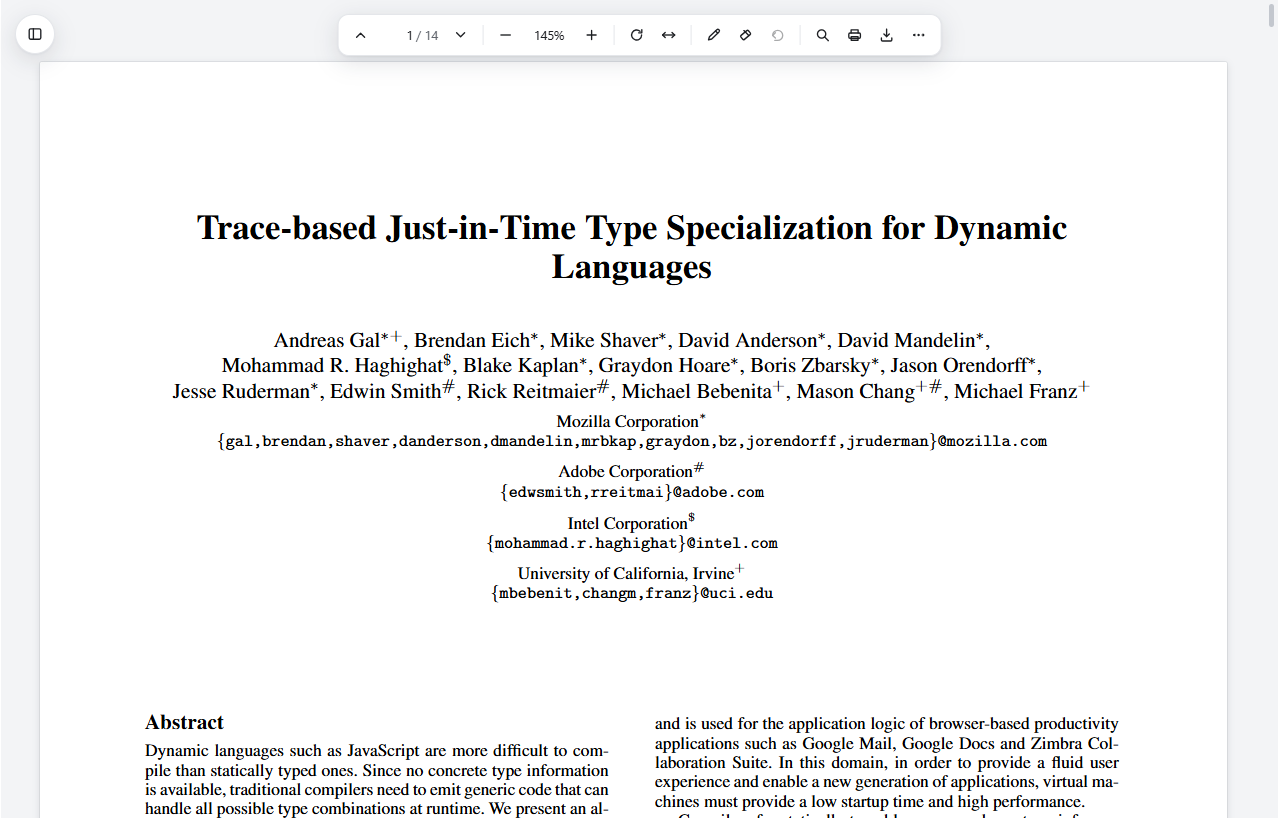
Every feature exists because reading should feel effortless — not like fighting a toolbar.
A friendly unlock box appears when a document is locked. Wrong password? Simply try again. Your password is never stored.
After install, ENVY PDF shows up in the right-click menu and in Settings → Default apps. It never steals your current default.
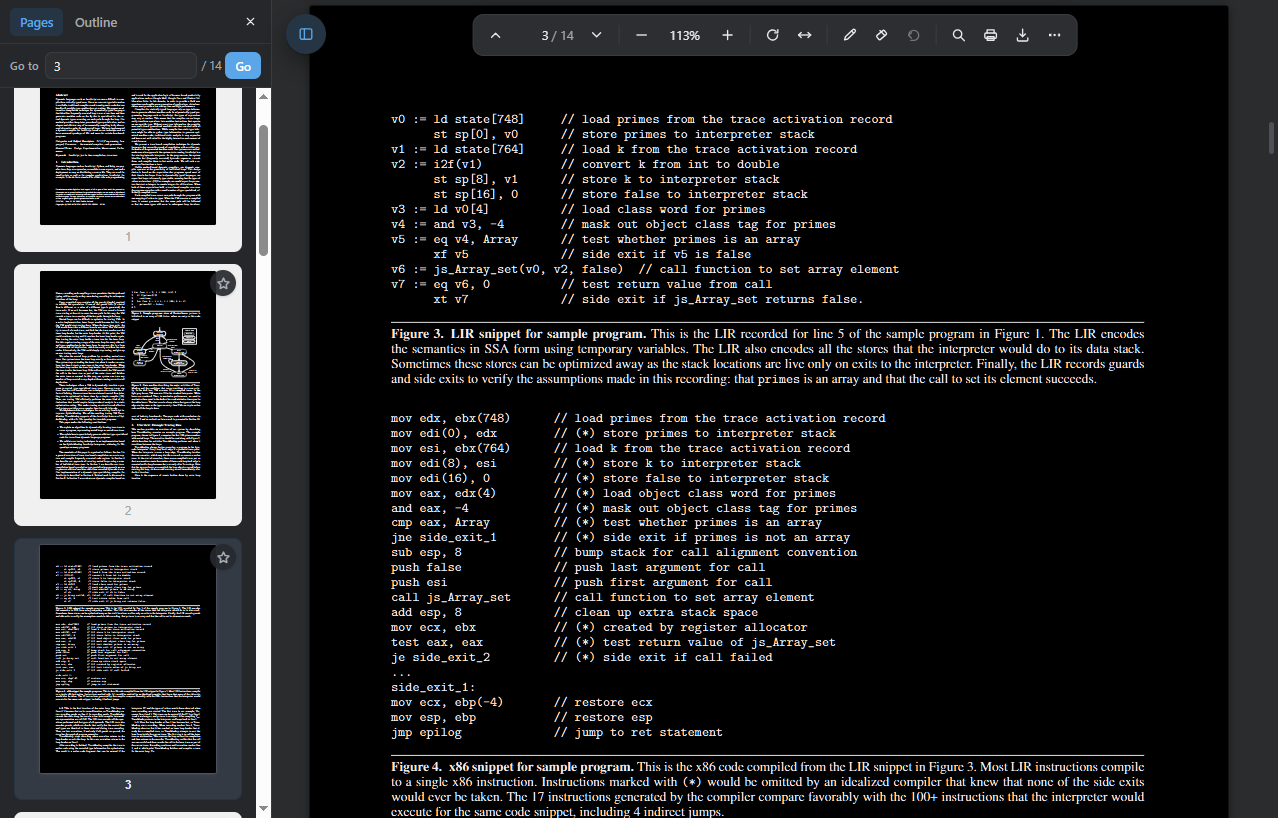
A “Go to” box in the sidebar takes you straight to page 214. No endless scrolling, no lost place.
Real text search sits right under the toolbar and quietly disappears when you click back into the page.
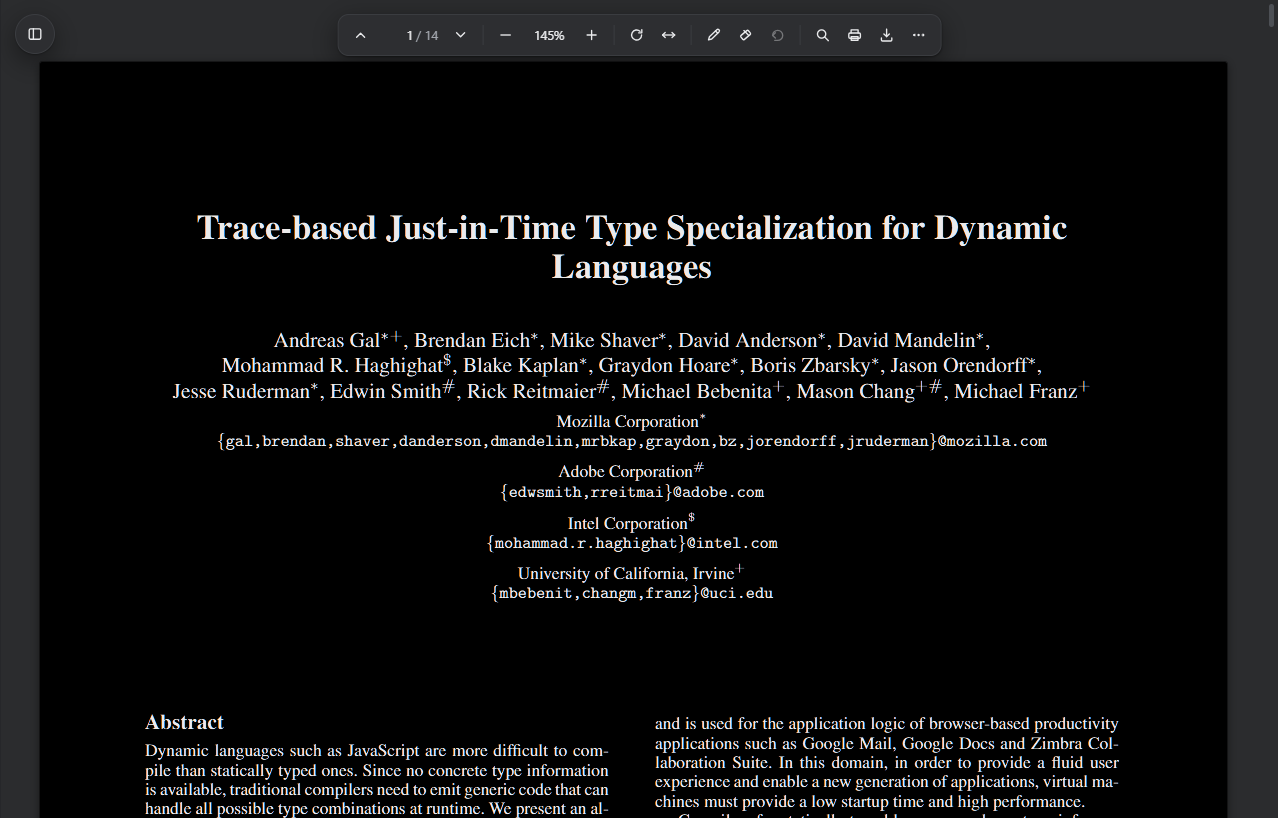
Not just a dark toolbar — actual pages go dark, so late-night reading stops burning your eyes.
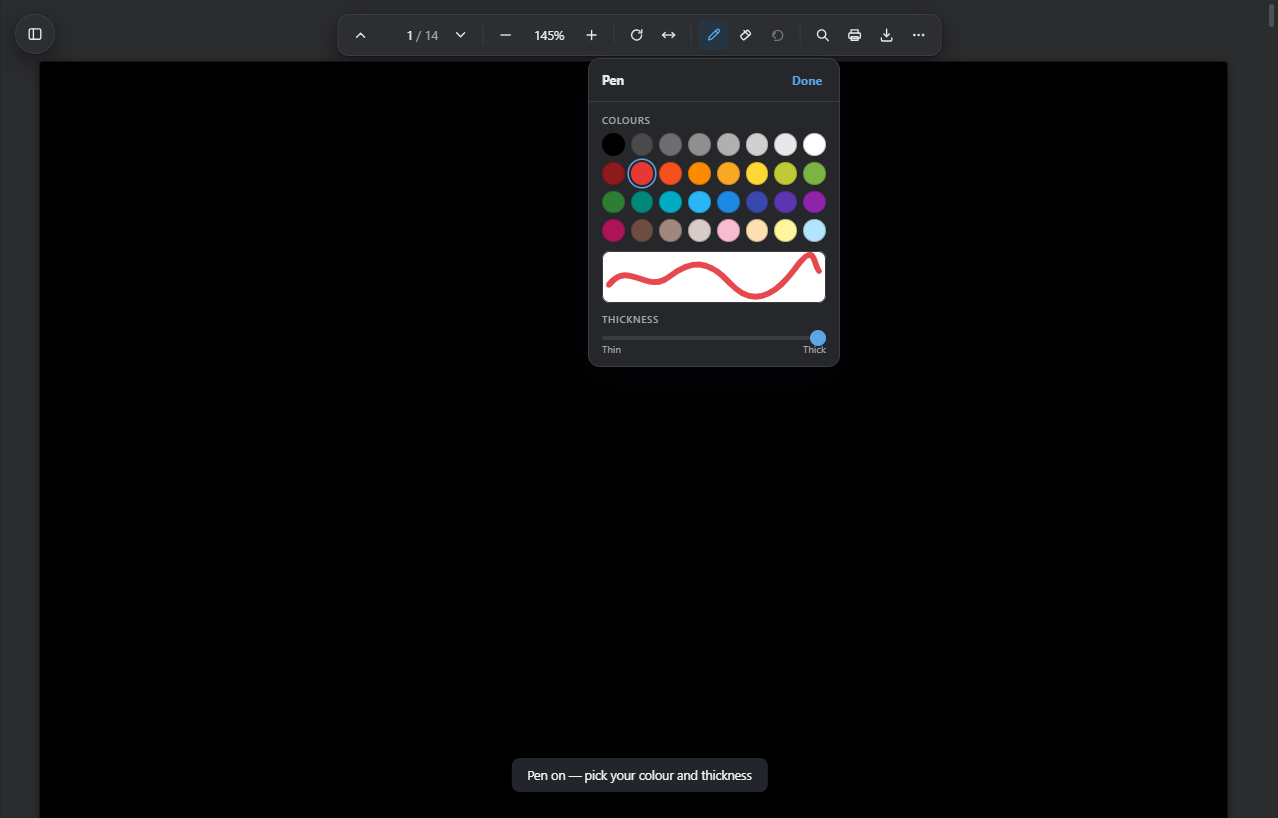
Mark up a page with a full colour palette and adjustable thickness. Undo is always one tap away.
Bookmark pages and hop back to them instantly. Perfect for long reports and favourite chapters.
Buttons rearrange themselves as your window shrinks, so nothing ever gets cut off or hidden.
The document is the star. Everything else waits politely until you need it.
Install it in under a minute. No account, no questions, no background services.
Download ENVY-PDF-Setup.exeWindows 7 SP1 / 8 / 8.1 / 10 / 11 · 64-bit & 32-bit · 4.6 MB
EnvyPDF.exe from any folder.
Yes. Completely free, with no ads, no trials and no “pro” nag. It's a small personal project made with love in Gangarampur.
No. ENVY PDF is a local Windows app. Your PDFs never leave your computer, and there are no trackers or analytics. The only optional internet use is Microsoft's WebView2 runtime, which Windows usually already has.
Yes. The installer isn't code-signed yet, so SmartScreen shows a cautious notice. Choose More info, then Run anyway. Everything stays on your machine.
No. ENVY PDF installs into your own user folder and needs no admin password. It works on Windows 7 SP1 through Windows 11.
Only if you ask it to. Setup adds ENVY PDF to “Open with” and to Settings → Default apps, but never takes over your existing default behind your back.
It's there and it's honest: it tells you you're on Stable 2.0 and that automatic updates are coming soon. When they're ready, new builds will arrive right inside the app.
One small app, made with care. We hope it makes your reading a little lighter. 💙
Download ENVY PDF